

Fast, Accurate QuickBooks Data Migration
Move your financial data between QuickBooks Online and QuickBooks Desktop quickly, safely, and with complete accuracy.
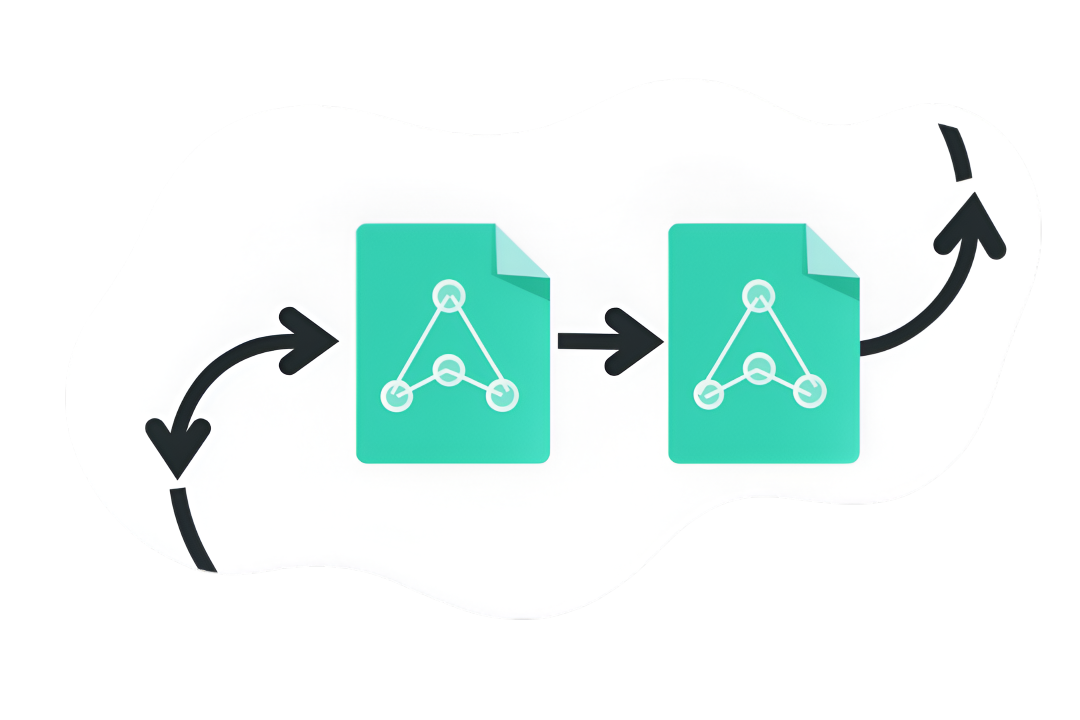
Powerful Migration Features
Everything you need to move your QuickBooks data safely and accurately.

Desktop → Online Migration
Move your QuickBooks Desktop data to Online with full integrity.

Secure & Accurate Transfers
Your financial data is handled safely and processed with precision.
Online → Desktop Migration
Smooth transition of your data from QuickBooks Online to Desktop.
How It Works
Simple, straightforward process in just three steps.

Choose Your Migration Direction
Select whether you’re moving from Online to Desktop or Desktop to Online.

Upload Your QuickBooks File
Securely upload your QuickBooks data file through our protected system.

Receive Your Completed Migration
Get your accurately migrated data, ready to use in your target QuickBooks platform.
Trust & Security
Your data security and privacy are our top priorities. Your data remains protected throughout the entire migration process.
Secure Processing
Your data is processed with industry-standard encryption and security protocols.

No Third-Party Sharing
Your financial information remains private and is never shared with external parties.

Built for Safe QuickBooks Transitions
Designed specifically for secure and compliant QuickBooks data migrations.
Frequently Asked Questions
Everything you need to know about QuickBooks data migration.
What QuickBooks versions do you support?
We support migrations between QuickBooks Online and QuickBooks Desktop (all recent versions). Our service handles data transfers in both directions seamlessly.
How long does a migration typically take?
Most migrations are completed within 24-48 hours, depending on the size and complexity of your data. We’ll keep you updated throughout the process.
Is my financial data secure?
Absolutely. We use industry-standard encryption and security protocols. Your data is processed securely and never shared with third parties.
Do you store any information?
We only retain your data during the migration process. Once your migration is complete and delivered, all temporary files are securely deleted from our systems.
What types of data can be migrated?
We migrate all essential financial data including customers, vendors, invoices, bills, chart of accounts, transactions, and historical records while maintaining data integrity.
What if I need help during the migration?
You can fill the contact us form. Our support team is available always. We typically respond within 24 hours and will guide you through any questions or concerns.
Contact Support
Have questions? We’re here to help with your migration needs.